

Want to see Raider King content first? Add us as a preferred source.
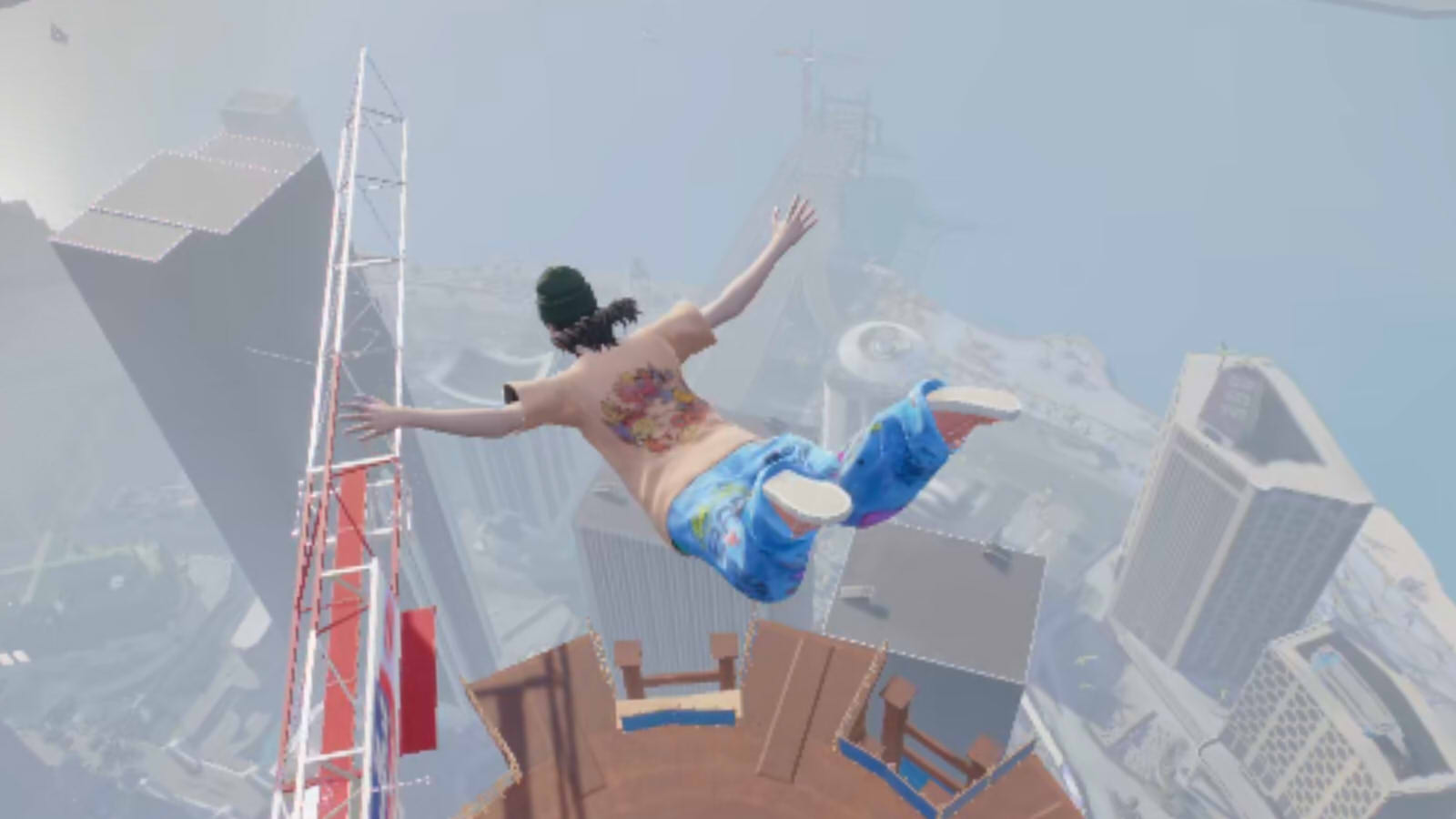
It can be very annoying to see your skater leaving a trail of themselves behind as you try to do some tricks around the tracks in Session: Skate Sim. Unfortunately, there is no option in the main menu and settings to remove motion blur or ghosting from the game. Luckily, there is a method that will allow you to get rid of these annoying effects in your game files. Here is how you can get rid of ghosting and motion blur in Session: Skate Sim.
Related: Session: Skate Sim – All Historical Challenges Guide
Remove Ghosting Effect and Motion Blur in Session: Skate Sim
To remove ghosting and motion blur in Session: Skate Sim, head over to your game’s file: C:\Users\*your name*\AppData\Local\SessionGame\Saved\Config\WindowsNoEditor.
Users usually have the AppData folder hidden automatically, just search, using the search function in the upper right corner of the window, for the “SessionGame” folder in the Users folder.
In the WindowsNoEditor folder, open the Engine.ini file using NotePad and paste the following code:
[SystemSettings]
r.MotionBlur.Max=0
r.MotionBlurQuality=0
r.DefaultFeature.MotionBlur=0
If there is no Engine.ini file, just create it. It should work the same way. Now, open the Session: Skate Sim and go into the settings.
Turn Anti-Aliasing to medium or low and this should finally fix your ghosting problem. If not having decent Anti-Aliasing is annoying you, you can try to force it through your Nvidia control panel.
If this method to remove ghosting didn’t work for you, make sure to leave a comment and we will see how to fix the problem for you.
And that is all you need to know about how to remove ghosting and motion blur in Session: Skate Sim. Check out other interesting guides and articles:
- Stray: How to Find All Four Notebook Locations
- V Rising: Keely the Frost Archer Location and Guide
- The Sims 4: How to Rotate / Turn Items


How do I remove motion blur on Nintendo Switch? Or are we just stuck