Want to see Raider King content first? Add us as a preferred source.
While Jason’s starting car in Grand Theft Auto VI is decent enough and gets the job of going from place to place done well enough, it’s far from the slickest or prettiest vehicle in the game. There is a way to switch to better or just more preferable cars as your main ride, but it’ll take a while for the player to unlock. If you want to change your main car but don’t know how yet, here is a quick guide on how to change your personal vehicle in Grand Theft Auto VI.
How to Change Your Personal Vehicle in Grand Theft Auto VI
Before you can change your car, you’ll need to play through a good portion of Grand Theft Auto VI’s story. More specifically, you will need to play through the game until you have completed the Chapter 2 mission “Girl’s Night Out”.
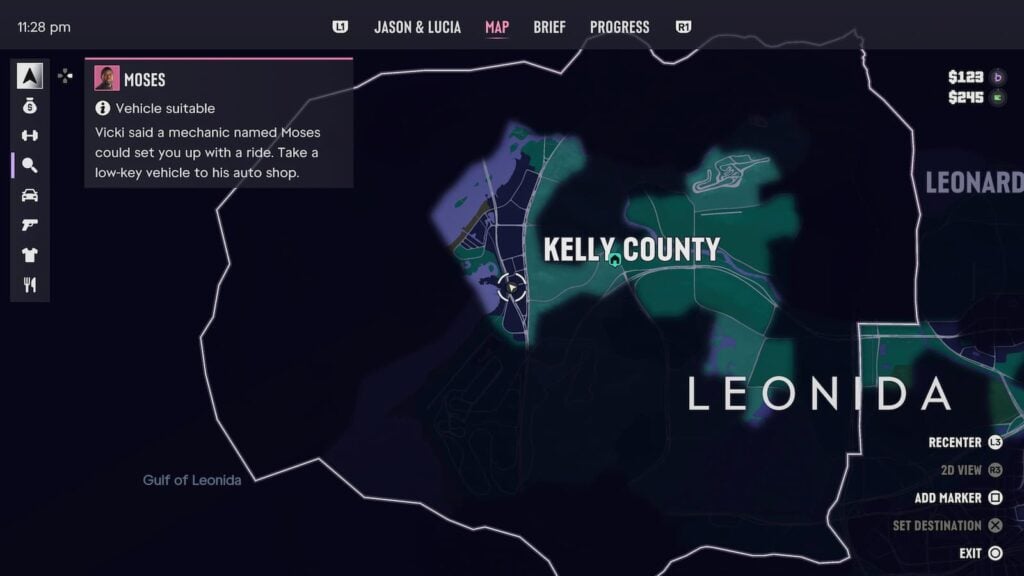
Once that mission has been completed, a new mission will appear on your map called “Moses”. This mission will be a tutorial for selling cars and changing your personal vehicle. To begin it, steal any car (note: large trucks don’t count) and bring it to Moses’ garbage in Port Gellhorn.
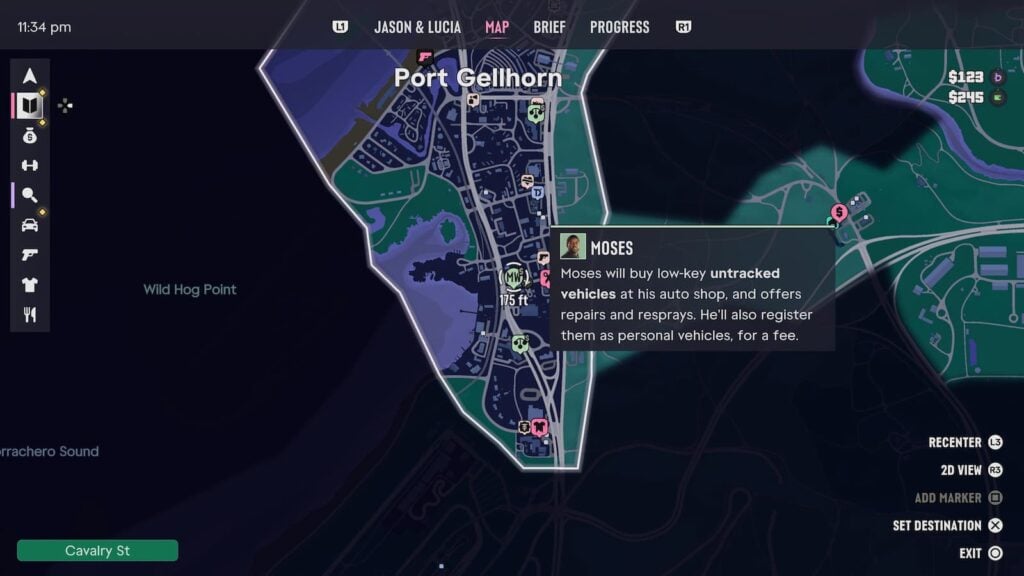
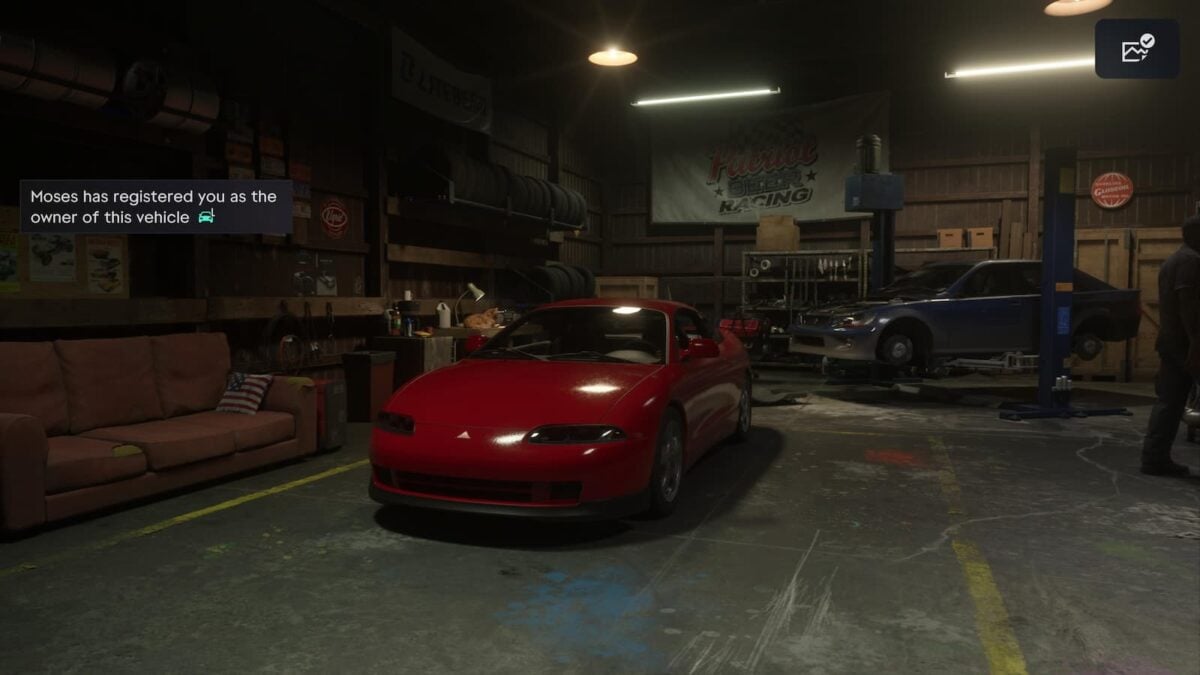
After being introduced to Moses, he’ll explain that he’ll respray any car and register it as your personal vehicle for a fee (though the first one is free). He’ll even give you the Scooter Bros app that will allow you to store multiple vehicles and summon them to your location.
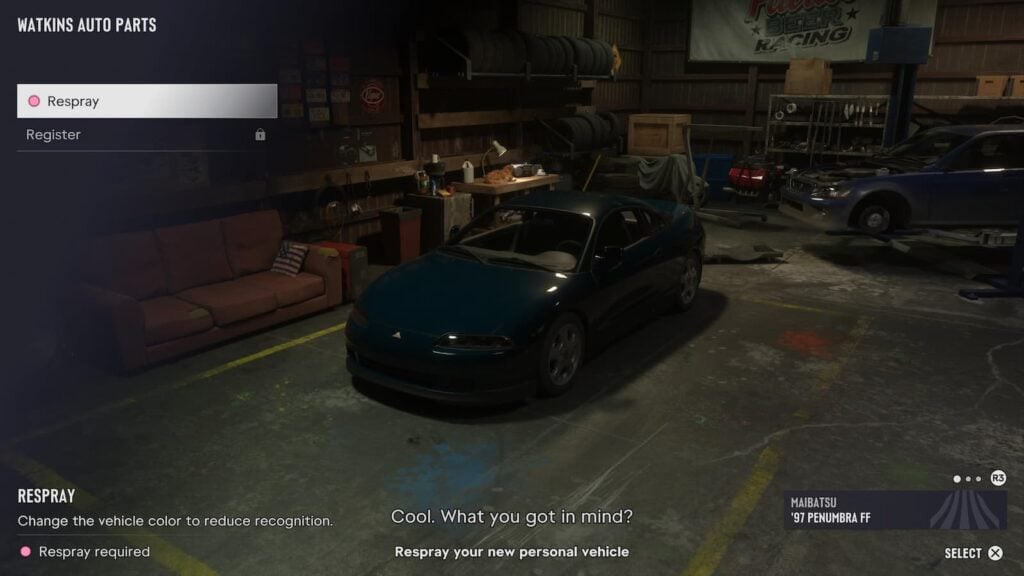
There are however a few limits on what types of vehicles Moses will register or fence for you. Aside from him refusing to accept some vehicle types like large trucks, he also won’t accept any vehicle with a tracker. To check if a vehicle has a tracker installed, scan it with your Waink app first. Your map marker text for the garage will also change if you have a vehicle Moses is interested in.
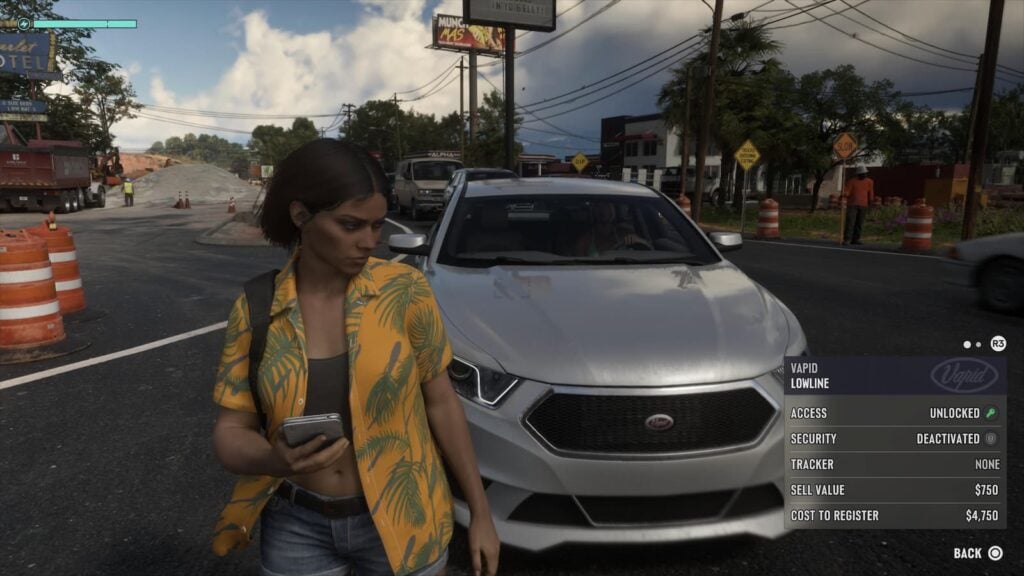
Later in the game you will be able to sell and register vehicles with trackers, but that won’t be for some time.


