Want to see Raider King content first? Add us as a preferred source.
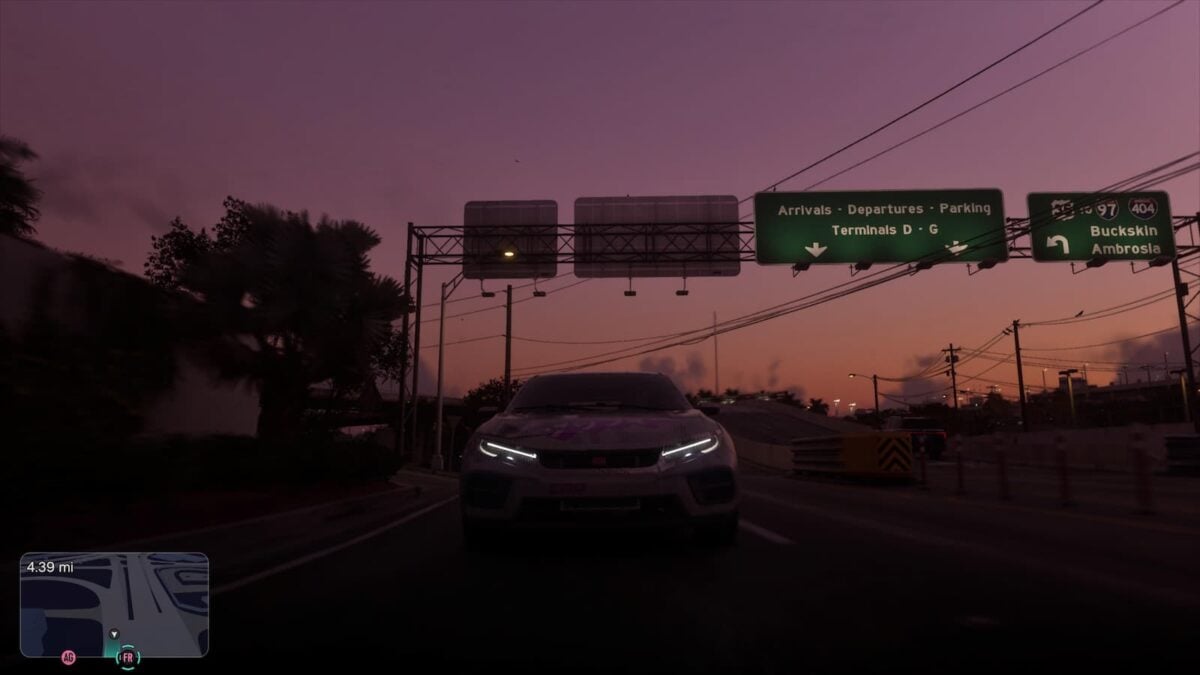
While cruising around the world of Grand Theft Auto VI, the player might find themselves in a dark area where they’re having some trouble seeing. When this happens you might want to mess with your headlight controls, but find yourself a bit confused by how every button does something different when you’re driving a car. If you have found yourself in this situation, then there is no shame is reading this guide on how to turn on your headlights in Grand Theft Auto VI.
How to Turn on Your Car Headlights in Grand Theft Auto VI
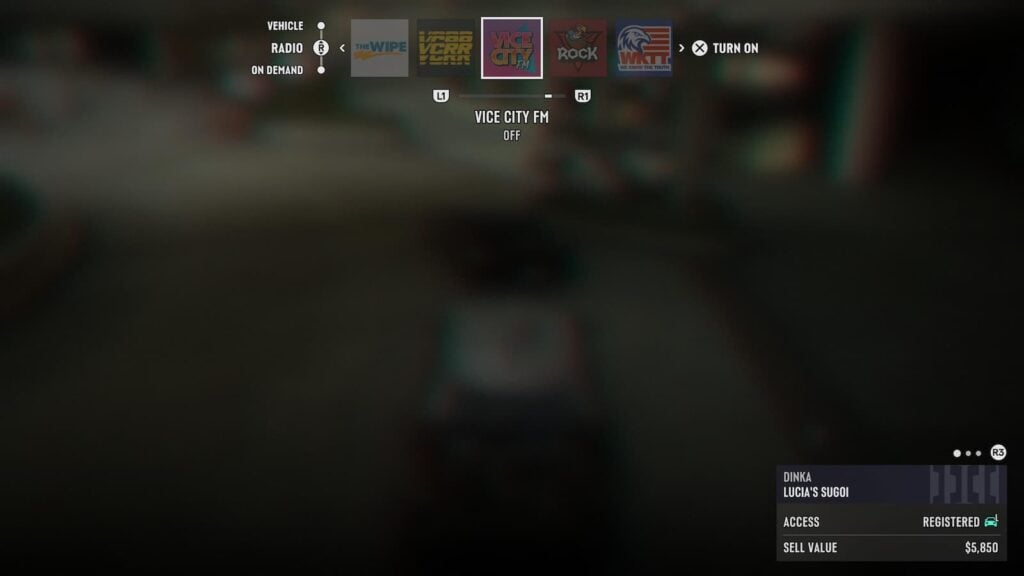
While sitting in the driver’s seat of a vehicle, hold down the left button of your controllers D-Pad and you’ll bring up a menu. By default you’ll be in the radio section of this menu, but if you flick your right analog stick up you’ll be the vehicle menu. Here you will be able to change your headlight settings.
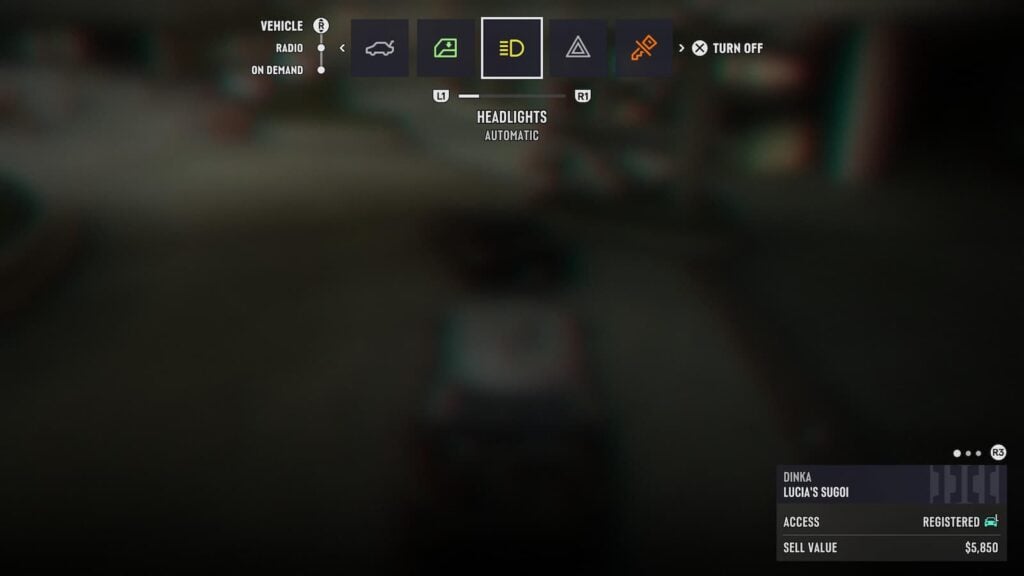
Each vehicle has four different settings for their headlights.
- Auto (Default) – Your headlights will automatically turn off and on depending on the light around you.
- Low Beam – Sets your headlights to low beams, letting you see better at night.
- High Beam – Sets your headlights to high beams, making it easier to see during weather such as rain, hurricanes, or foggy days.
- Off – Turns your headlights off.
Alongside the headlight controls this menu also has several other options for you to change about your car mid-drive.
- Windows – Allows you to roll the window up or down.
- Trunk – Pops your trunk open or closed.
- Hazards – Turns your hazards lights on or off.
- Engine – Allows you to turn off your car engine without leaving the vehicle.
While these are all primarily visual options that you can play through the whole game without using, it’s nice to see the game give player full control of any vehicle that they are driving.